For individuals
Make the office fit your week.
Keep your preferred desks and schedule together. Spend less time watching booking windows and more time planning your day.
Find your placeA smarter way to work
A desk that fits your preferences. A booking that fits your schedule. And a waiting list for the days when plans change.
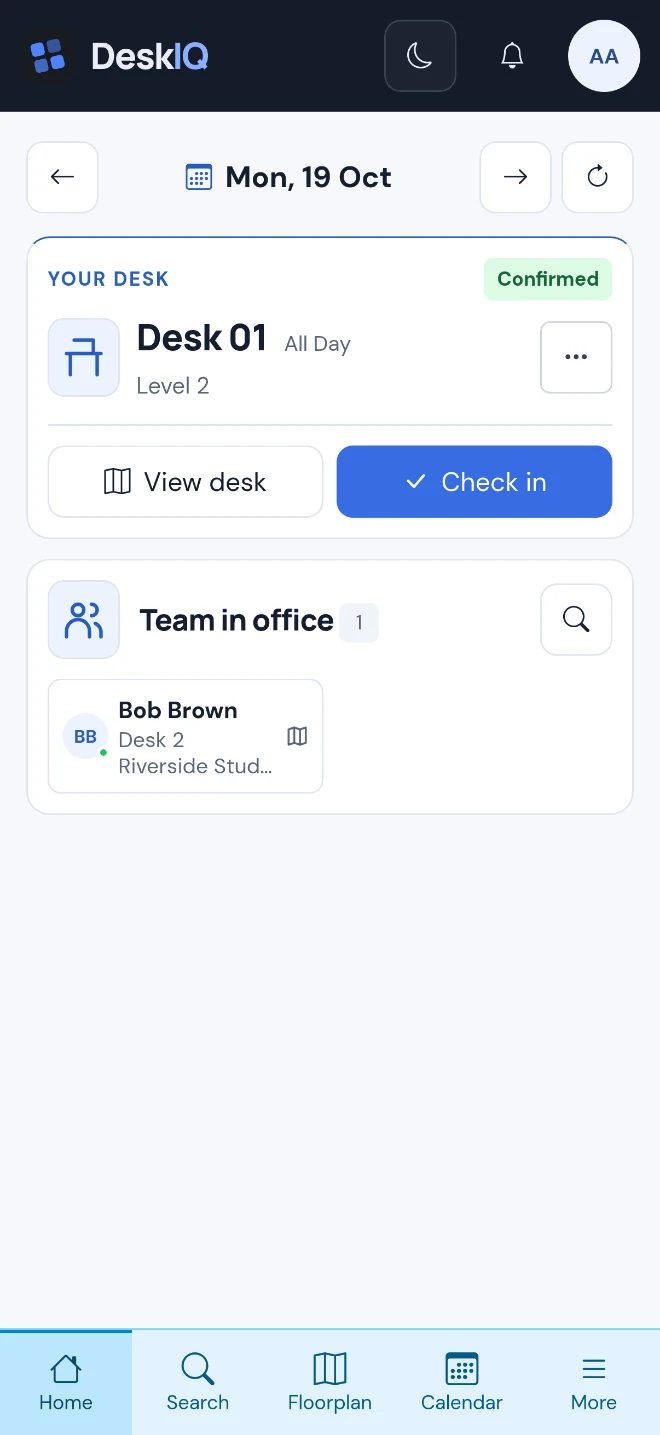
01 / ALLOCATION
You know which days work for you, where you like to sit and who you want to work alongside. DeskIQ brings your preferences and schedule into the booking process.
Inside DeskIQ


02 / WAITING LISTS
Need to come in on a different day? Join a waiting list if the desks you want are taken. DeskIQ keeps checking for suitable space and books for you when availability opens up.
You don't need to keep refreshing the floor plan. With push notifications enabled, you'll hear when a desk is booked, or when the waiting period ends without one.
See how waiting lists help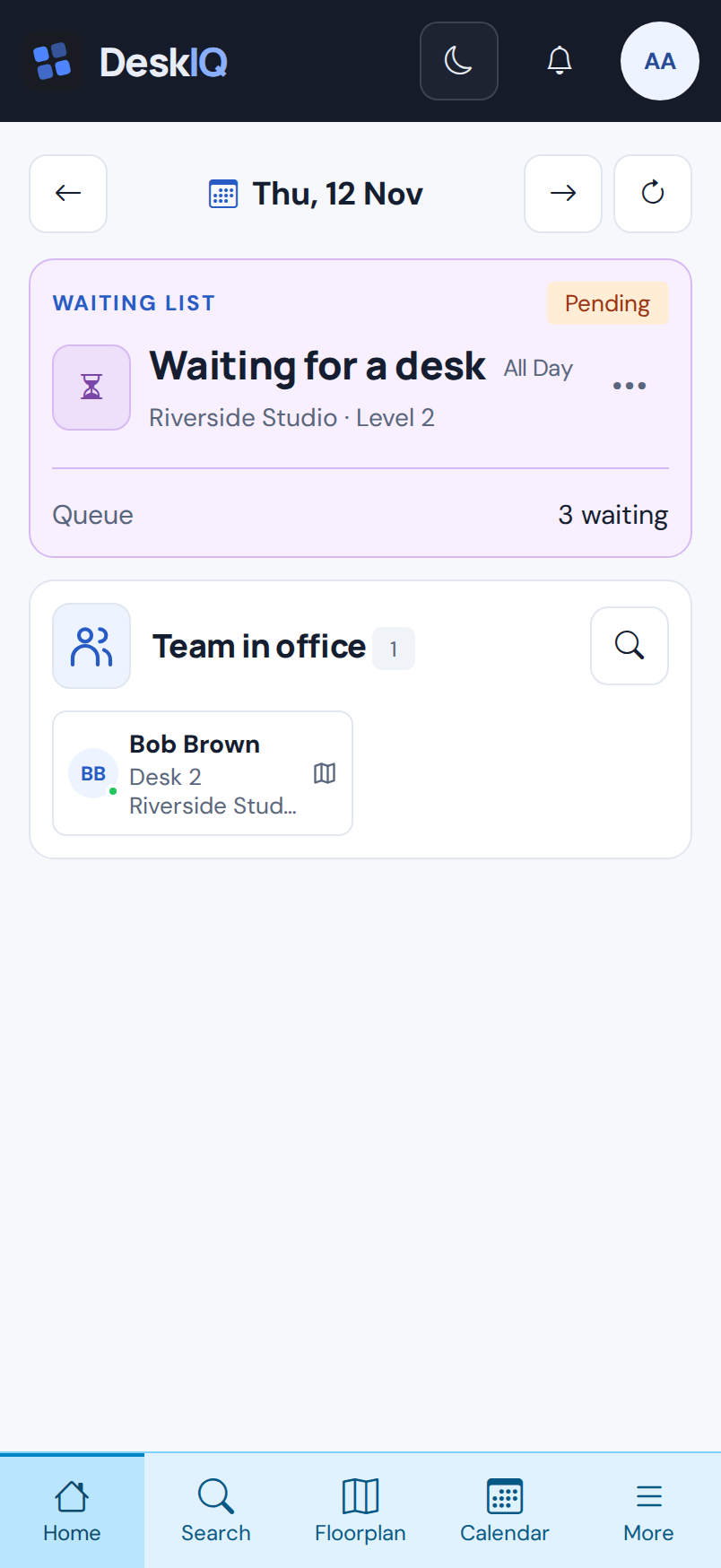
For people. For workplaces.
Give people a simpler way to plan, and give organisations a clearer view of the days that bring teams together.
For individuals
Keep your preferred desks and schedule together. Spend less time watching booking windows and more time planning your day.
Find your placeFor organisations
Coordinate attendance, consider people's preferences and give changing demand somewhere to go with waiting lists.
Bring your team togetherSee the idea in action
Explore how taking preferences into account can change where people sit. This small simulation explains the concept.
Illustrative simulation · Tuesday AM
Traditional: seats assigned in request order, without considering preferred areas.
Window area
Central area
Quiet area
Studio area
A · Team AB · Team B× Already occupied— Available
6 people seated · same capacity
All six people are scheduled for Tuesday AM. Gale is scheduled for Wednesday and is not allocated a desk in either mode.
Same people, schedules, preferences and desks in both modes. Metrics are calculated from the assignments shown. This fictional example explains a concept; it is not a customer result or a guarantee of booking outcomes.
Make room for a better working day
Find your place, make plans with your team, and let DeskIQ take care of the desk booking.