DeskIQ for individuals
Your week has a rhythm.
Your bookings should too.
Your favourite spot. The days you're coming in. The colleagues you want to see. Bring it all into a simpler desk-booking routine.
Make your choices once
Skip the scramble
when booking opens.
Set the schedule and desk preferences that suit you. DeskIQ can handle automatic booking when the window opens, so an office day doesn't have to start with a booking alarm.
- Choose your regular office days.
- Set your preferred desks and locations.
- See your planned days and booking results in Desk Allocation.
Inside DeskIQ


Your booking calendar
See your working week
at a glance.
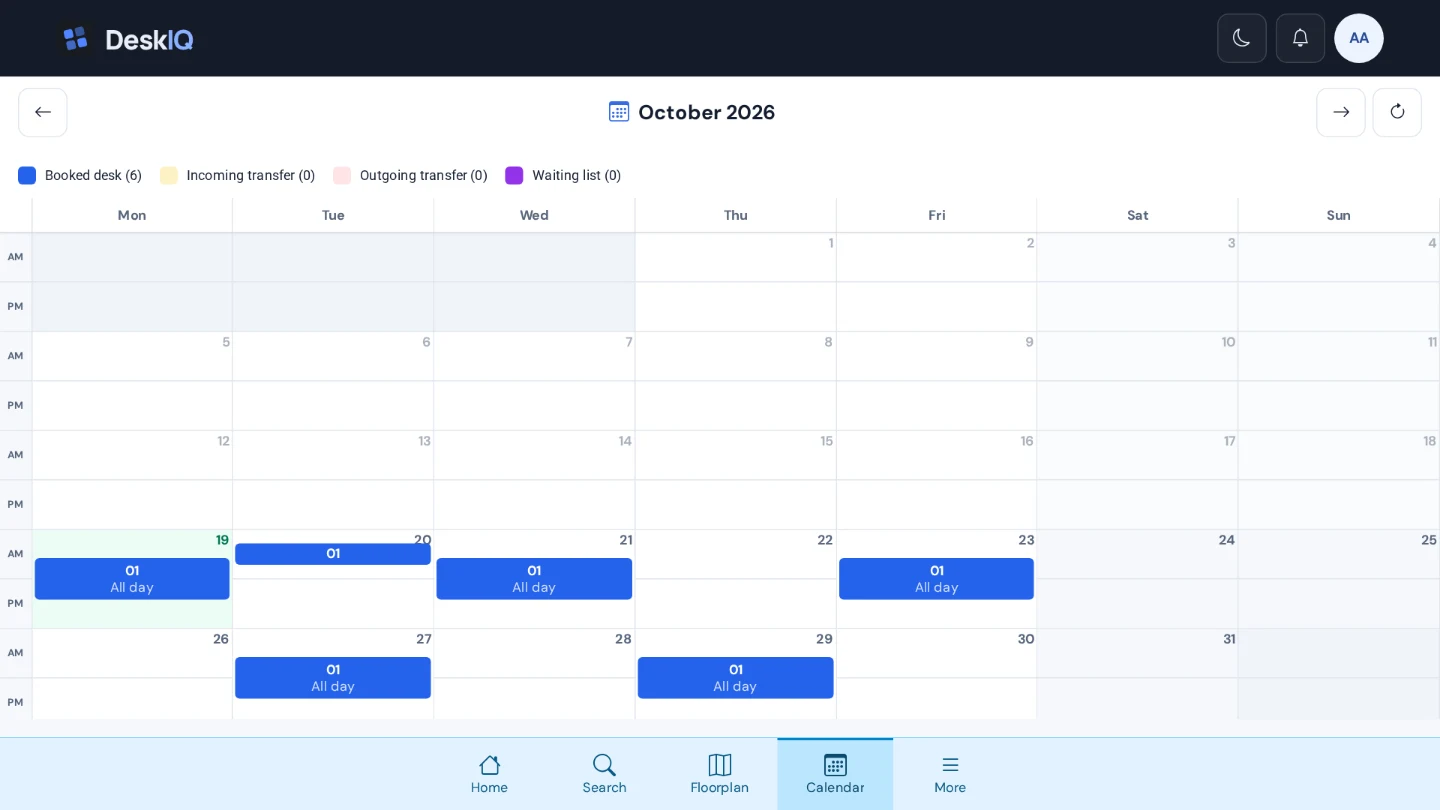
Your calendar brings your desk reservations together, including morning, afternoon and all-day bookings. Review what's booked and see where your next office day fits into the month.
Stay flexible
A change of plan
needn't mean starting over.
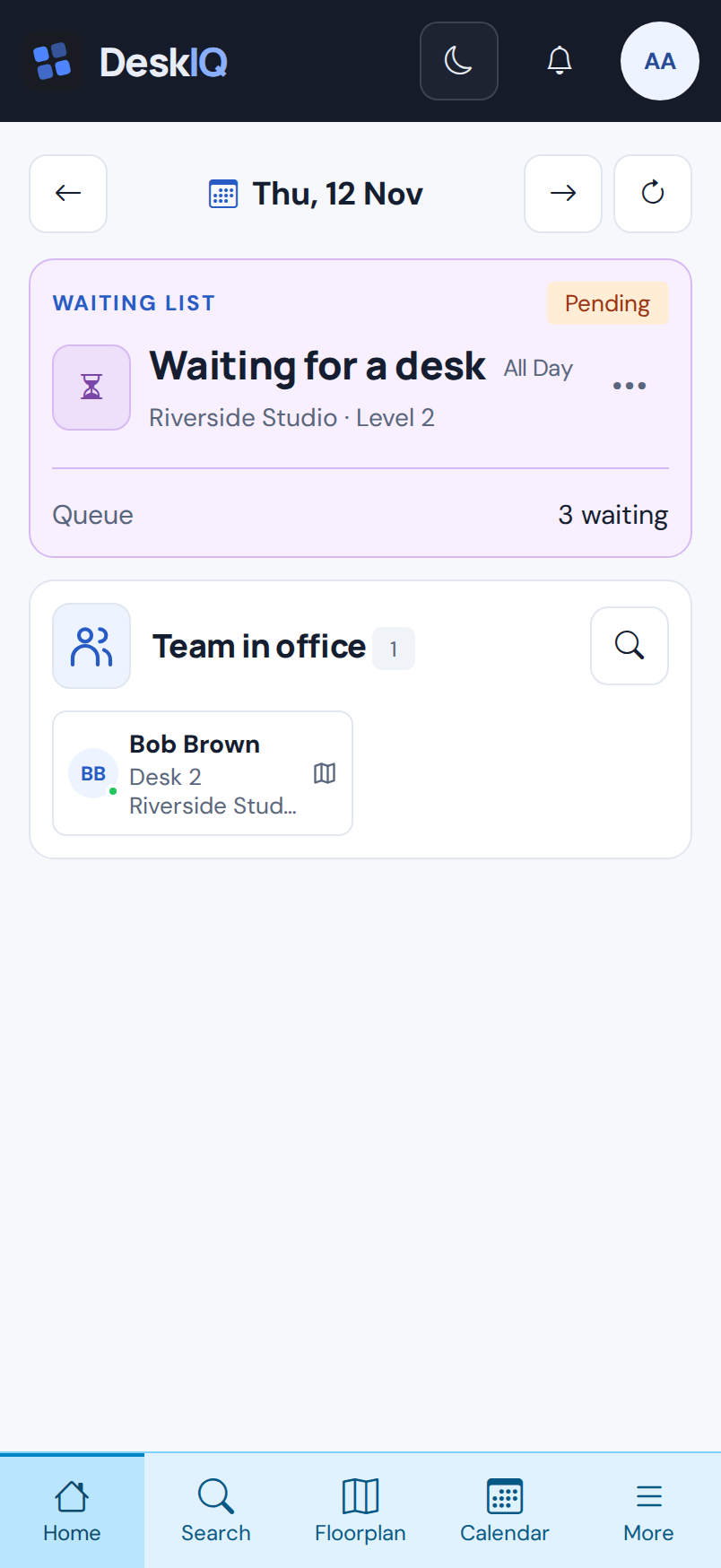
Need a desk on a different day? If that day is full, join a waiting list. DeskIQ checks for suitable availability and books for you as space opens up, so you don't have to keep looking.
With push notifications enabled, you'll hear when your desk is booked, or when the waiting period ends without one.
If you no longer need your original booking, cancel it so someone else can use the space.
Explore waiting lists →
Less time refreshing availability.
More time looking forward to your
office day.
Make room for a better working day
Your office days.
A little more organised.
Find your place, make plans with your team, and let DeskIQ take care of the desk booking.