03
Automatic booking
Set your office days and desk preferences. Let DeskIQ handle the booking window around the choices you make.
The DeskIQ toolkit
From the first choice of desk to the last-minute change of plans. A connected set of tools for a more organised working week.
01 / INTELLIGENT ALLOCATION
Desk allocation should take account of the people using the space. Tell DeskIQ your office days and favourite desks so automatic booking can work from your choices.
Plan your attendance ahead of the booking window, keep preferences in one place, and see the bookings that result.
See what it means for your week →Inside DeskIQ


02 / WAITING LISTS
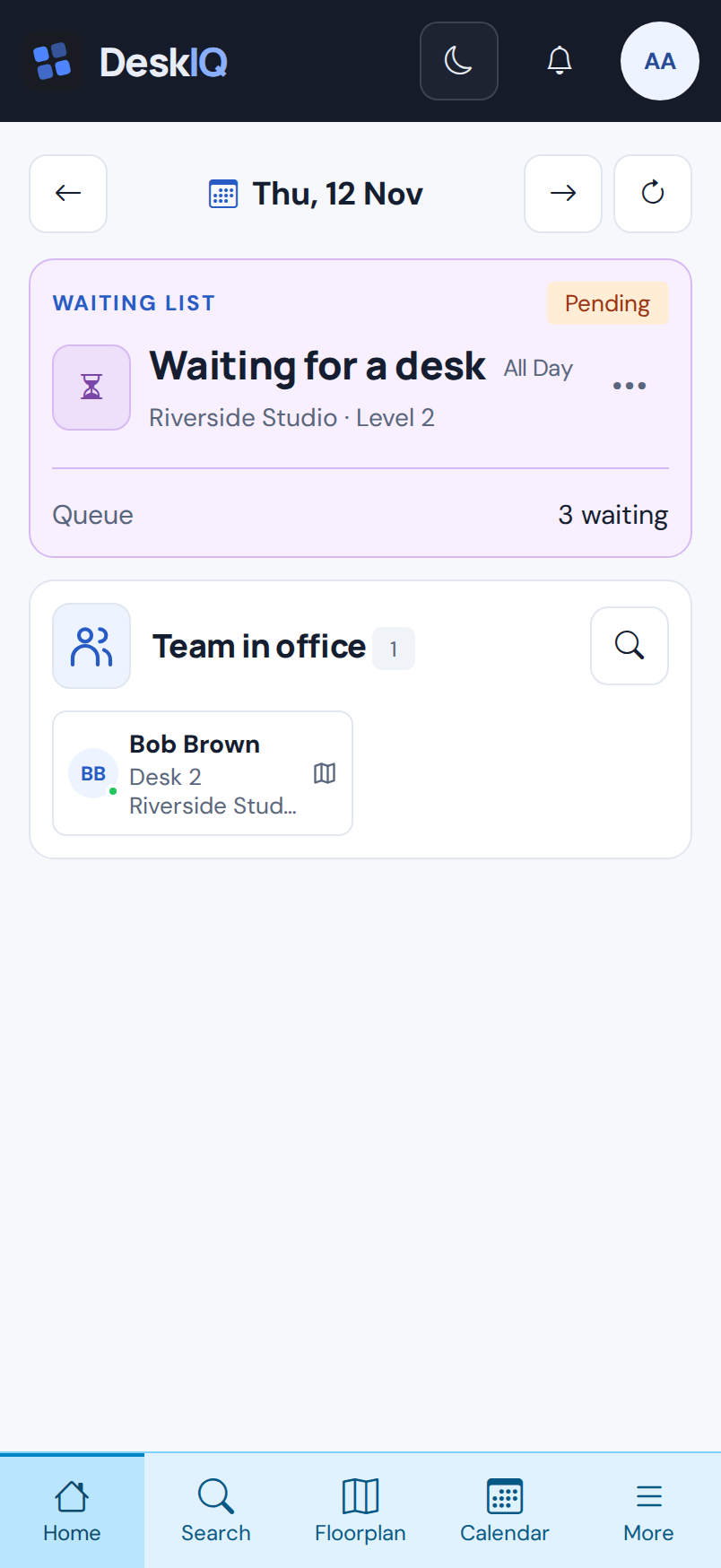
Plans changed and you need to come in on a different day? If the desks you want are taken, join a waiting list for your new office day.
DeskIQ checks availability for you and automatically books a suitable desk as space opens up. No refreshing the floor plan or repeating the same search.
Push updates follow your notification settings. Bookings depend on suitable availability.
Everything around the booking
03
Set your office days and desk preferences. Let DeskIQ handle the booking window around the choices you make.
04
See your desk bookings in a calendar, including morning, afternoon and all-day plans.
05
See when your team is coming in and plan office days with the people you work with.
06
Give a specific colleague your desk booking without releasing it first and risking someone else booking it before they can.
07
Exchange plans with colleagues when a different office day would work better.
08
Explore the floor plan, see availability and choose a spot that suits your day.
An illustrative comparison
Switch between two allocations of the same people and desks. The schedule is fixed; the comparison shows preferred areas and team proximity.
Illustrative simulation · Tuesday AM
Traditional: seats assigned in request order, without considering preferred areas.
Window area
Central area
Quiet area
Studio area
A · Team AB · Team B× Already occupied— Available
6 people seated · same capacity
All six people are scheduled for Tuesday AM. Gale is scheduled for Wednesday and is not allocated a desk in either mode.
Same people, schedules, preferences and desks in both modes. Metrics are calculated from the assignments shown. This fictional example explains a concept; it is not a customer result or a guarantee of booking outcomes.
Make room for a better working day
Find your place, make plans with your team, and let DeskIQ take care of the desk booking.